Parks on the Air
Enjoy the QSO. Review the details later.
During a POTA activation, you’re listening, calling, exchanging reports and keeping the log moving — often all at once. QSO Transcriber gives you an on-screen companion and a way to revisit what was actually said.
Why it helps
Less juggling at the park
Live speech transcription can support your listening while you work voice contacts. Activators can check details after a busy run; hunters can use it for voice-QSO notes and review. You still operate the radio and decide what to log.
Check a callsign or report
Local QSO analysis suggests callsigns and signal reports from the transcript. When a letter or number is uncertain, use the recorded exchange to check it rather than trusting a plausible suggestion.
Replay after a busy run
Record when you want to return to unclear contacts or noisy passages. The original audio remains available even after you correct a log field. Optional DeNoise may help speech transcription, but cannot recover speech that was never audible.
Review before ADIF export
Check callsigns, frequency and band, mode, UTC date and times, and sent and received reports before exporting. ADIF carries reviewed log fields into your wider logging workflow; the operator completes the POTA submission separately.
A portable station in use
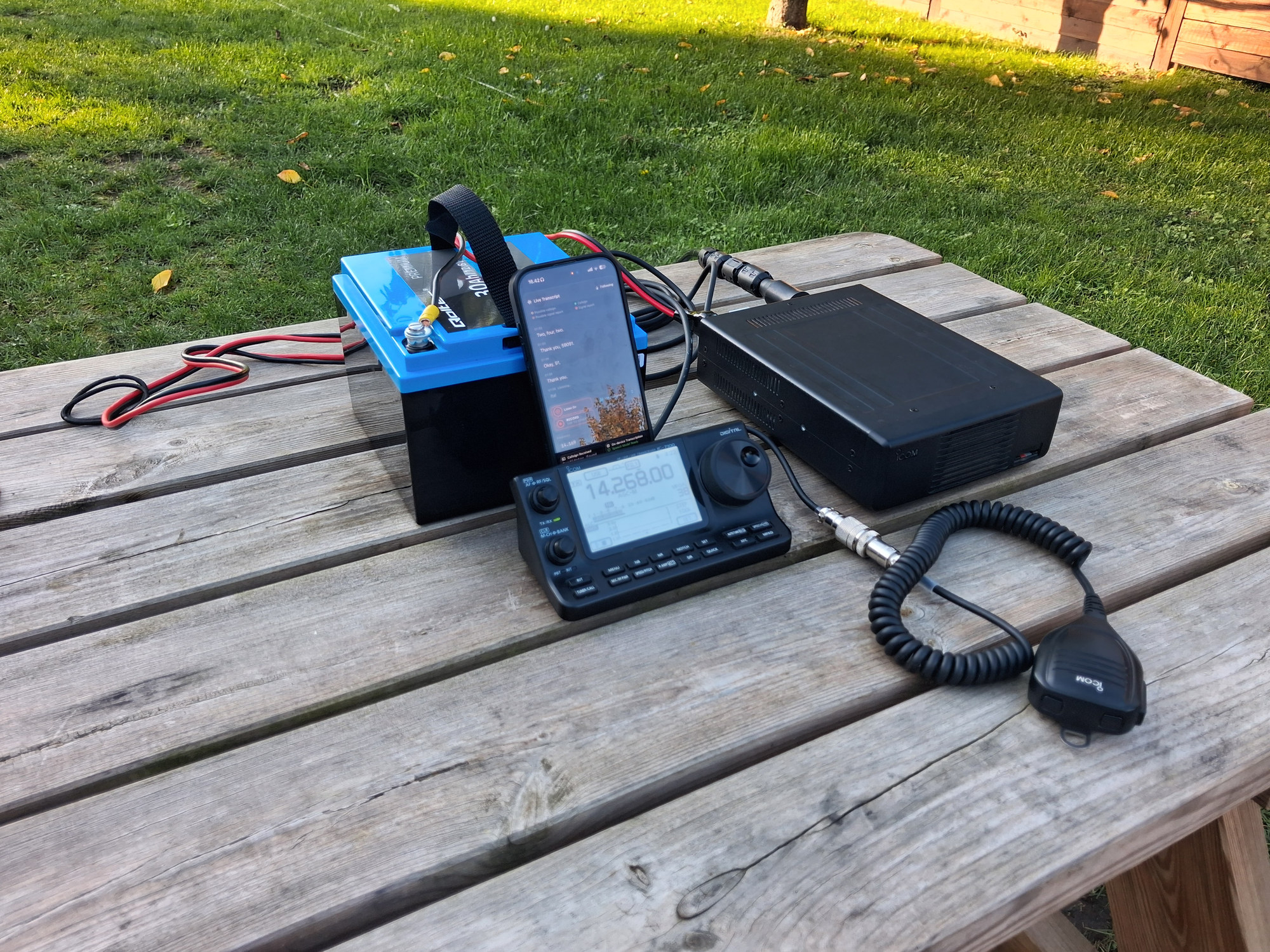
A portable radio, a battery and an iPhone at the table. This short video shows QSO Transcriber alongside the radio during a voice exchange.
How to use it
Save and Replay QSO Recordings: a guide to keeping the original audio and checking the details.
- Set up the radio and iPhone. Place your iPhone where it can receive clear audio from the portable radio. Reduce wind and nearby conversation where practical, and prepare your supported speech model before heading out.
- Choose Listen or Record. Listen provides live text without saving audio or a transcript. Choose Record from the start when you want an audio record to revisit; it does not capture earlier Listen audio or text.
- Review the contact. Check highlighted callsigns and reports. For a recorded QSO, replay and correct anything uncertain, then verify the other log fields. Keep your normal operating and logging checks during the activation.
- Export and complete the POTA workflow. Export reviewed contacts as ADIF when useful, then check and complete the fields required for your activation in your chosen logging or POTA submission workflow.
Portable operating setups
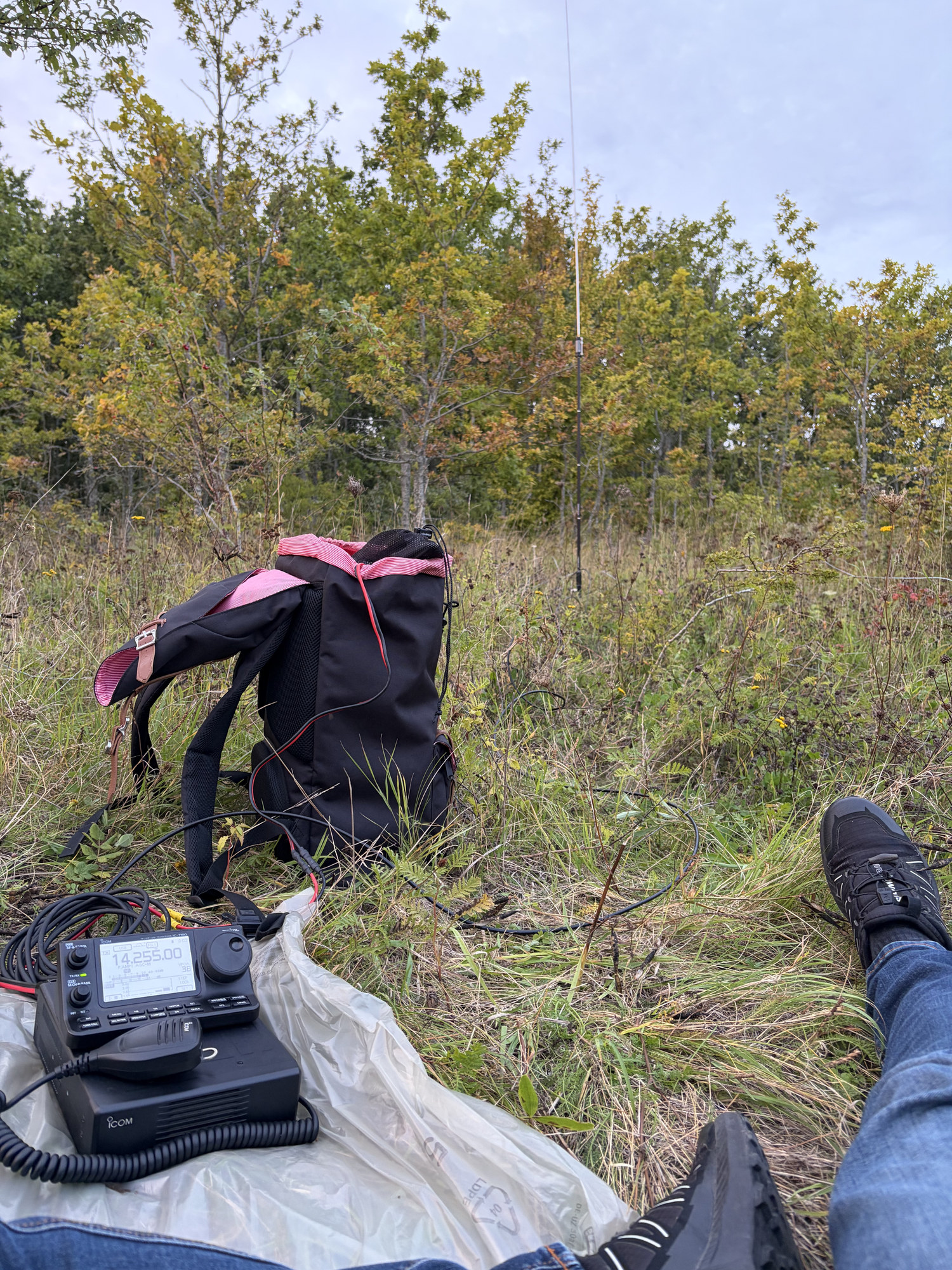
Keep the radio controls, microphone and iPhone within reach, with the phone where it can hear the received audio clearly. These photos show a few ways to arrange a compact station outdoors. I describe the radio, antenna, battery and packing choices in my portable HF backpack setup.
Practical questions
Does the app upload my log to POTA?
No. QSO Transcriber supports review and ADIF export. Submitting a compliant activation log to POTA is a separate step. The app does not automatically verify that your file meets every POTA requirement.
Does it know my park reference or manage multiple operators?
There is no dedicated park-reference or multi-operator POTA mode. Check your park reference and the station and operator fields required for your activity in your chosen submission workflow. QSO Transcriber is not affiliated with or endorsed by POTA.
Can it mishear a call in QRM or QSB?
Yes. Weak signals, fading, interference and phonetics can produce incorrect callsigns or reports. Always check important characters against the original audio, and ask for a repeat during the QSO when needed. A confidence indicator is not verification.
Use QSO Transcriber on your iPhone
A companion to your listening and operating skills. Check important details against the original audio before you save or export.
Explore other ways to use QSO Transcriber.